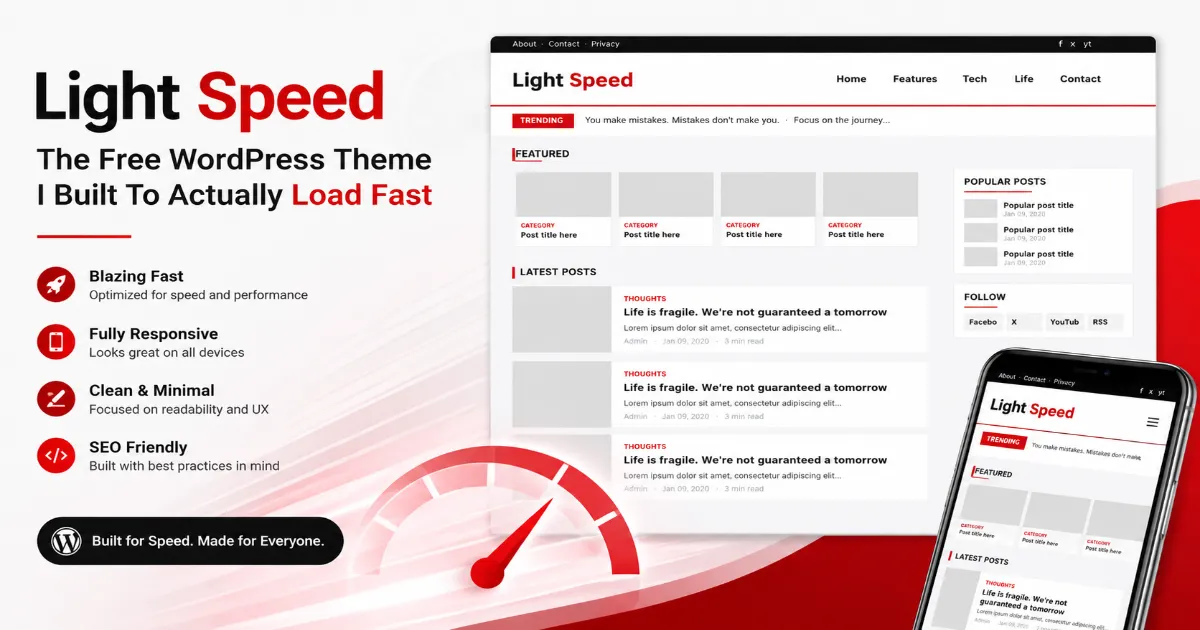
I kept installing “fast” WordPress themes that weren’t fast. Every one of them shipped three stylesheets, a copy of jQuery, a slider I never asked for, and a PageSpeed score that went orange the moment I added a single ad. So I stopped hunting and built the theme I actually wanted. It’s called Light Speed, and it’s free.
The whole idea behind Light Speed is simple: put nothing on the page that the reader doesn’t need. That sounds obvious, but most themes don’t do it. This one does, and you can feel the difference the first time a page loads.
What makes it fast
Speed here isn’t a marketing word stuck on top of a heavy theme. It comes from the way the theme is built:
- The stylesheet is inlined straight into the page head, so the browser never has to stop and fetch a separate CSS file before it can paint anything.
- There’s no jQuery. The only script is a single, tiny vanilla-JavaScript file for the mobile menu, search box and back-to-top button and it’s deferred, so it never blocks the page.
- Every image lazy-loads by default, so a long post doesn’t drag down the initial load.
- I stripped out the stuff WordPress adds that most blogs never use the emoji script, embeds, the block-editor CSS on the front end, oEmbed links, the generator tag and jQuery Migrate.
- It only opens a connection to Google’s ad servers when you’ve actually turned ads on, not on every page for no reason.
Add it all up and Light Speed is built to sail through Google PageSpeed Insights in the green on mobile, not just desktop.
It still looks like a real blog
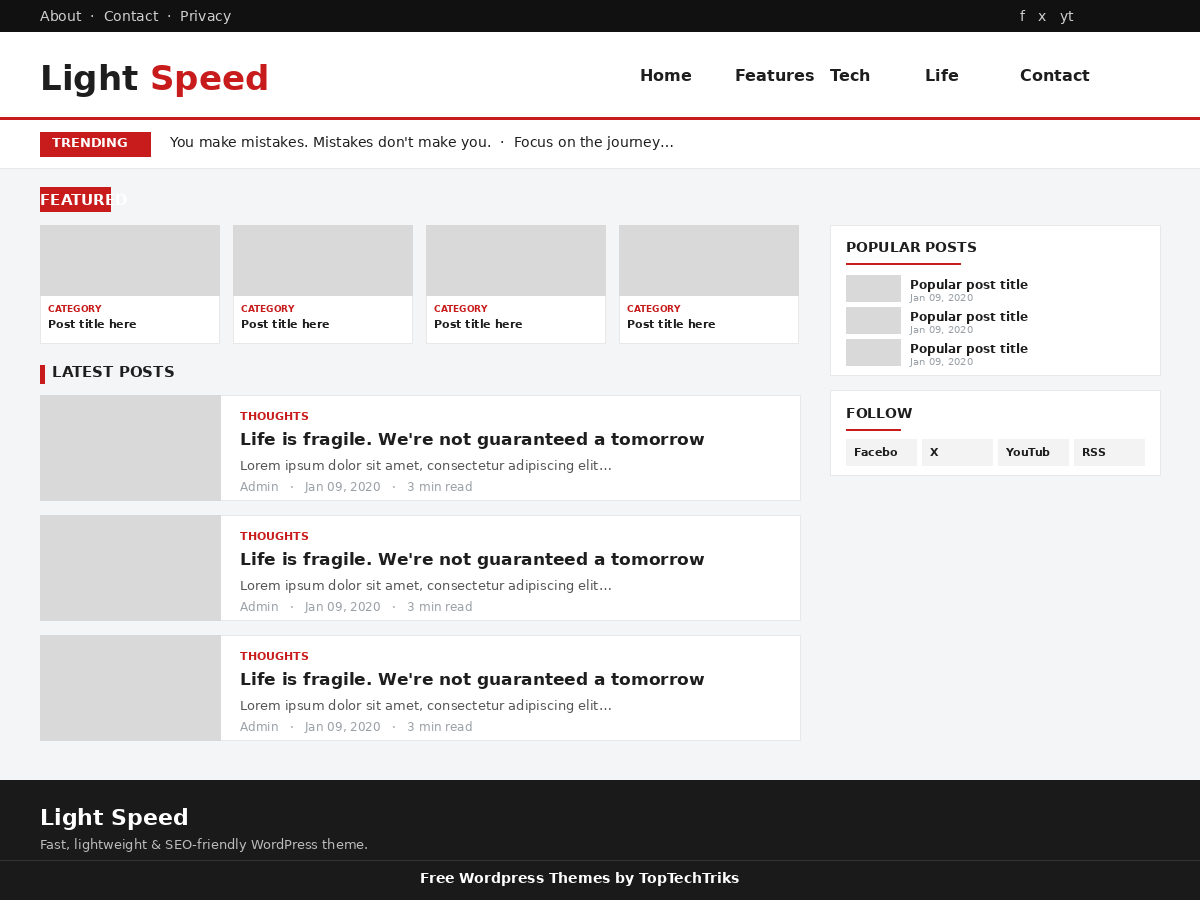
Fast doesn’t have to mean bare. Light Speed comes with a sticky header, a slim top bar, a trending ticker across the top of the homepage, a featured grid for your latest posts, and a clean article layout underneath. On single posts you get breadcrumbs, an author box, share buttons, related posts and threaded comments. Nothing feels stripped down it just doesn’t carry any dead weight.
Themes Preview
You’re in control of what shows
Everything lives in the WordPress Customizer, so you never touch a line of code to change the layout:
- Turn the top menu bar on or off with one click. Same for the main navigation and the homepage ticker.
- Built-in ad zones for the header, in-feed, sidebar, and above and below each post with a master switch that hides every ad instantly when you flip it off.
- Change the accent colour from the default red to anything you like.
- Set your footer text and social links from the same panel.
I also kept the sidebar tidy on purpose Popular Posts, a follow block and an optional ad, without the usual clutter of long label and category lists. The footer is the same story: your links and a clean credit line, nothing more.
Works for Bengali and English
The font stack includes Bengali fonts alongside the system fonts, so whether you write in বাংলা or English, your text renders cleanly without you loading a heavy web font.
Installing takes two minutes
No FTP, no SSH, no command line. In your dashboard go to Appearance → Themes → Add New → Upload Theme, pick the zip, hit Install, then Activate. Assign your menus, open the Customizer, and you’re live.
One thing I ask
Light Speed is completely free to use. The only condition is that the small footer credit “Free WordPress Themes by TopTechTriks” stays where it is. That link is the only thing I ask for in return, and it’s what keeps the theme free for everyone else.
That’s the whole theme. It’s light, it’s honest about what it does, and it gets out of your readers’ way. If that’s the kind of blog you want to run, grab it below.